

Segra
Segra records and clips games using OBS, with a replay buffer, clip editor, and automatic highlights for several games.
About Segra
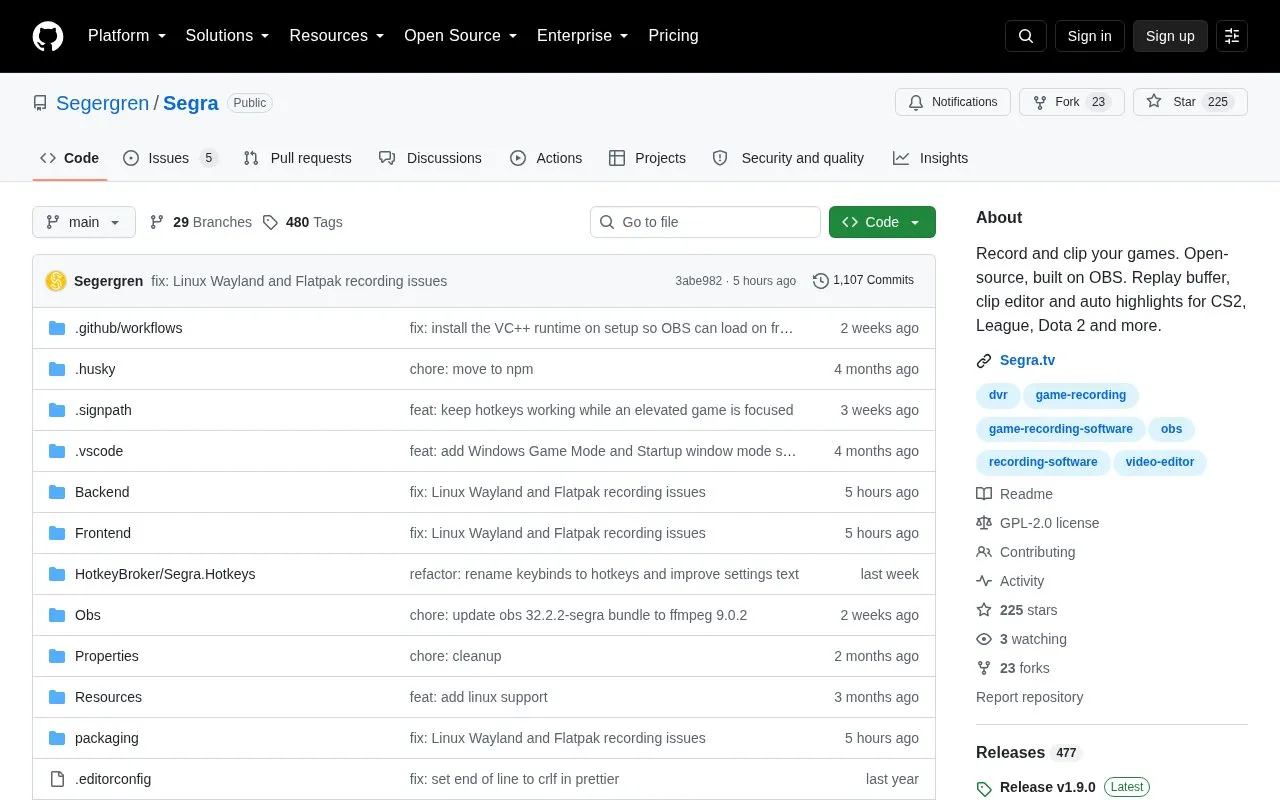
Segra is an open-source game recorder built on OBS. It records games in the background, auto-starts when a game launches, and saves recent moments with a hotkey using a replay buffer. It includes a clip editor with timeline and audio waveform, per-game overrides for quality, recording mode, HDR and volume, and upload to Segra.tv.
It supports up to 4K 144 FPS with HDR on Windows, H.264, HEVC and AV1 encoding, multiple audio devices with separate tracks, and auto highlights from kill/death tracking in CS2, League, Dota 2 and other listed games. Linux support is in early alpha and may not start or may lack features that work on Windows.
Key features
- Auto-starts recording when a game launches
- Replay buffer saves recent moments via hotkey
- Clip editor with timeline and audio waveform
- Auto highlights from kill/death tracking in listed games
- Up to 4K 144 FPS with HDR on Windows
- Per-game overrides for quality, recording mode, HDR and volume
Best for: Players who record PC games and want replay clipping, editing, and auto highlights in an open-source OBS-based tool.
Good for
- Open-source and GPLv2 licensed, built on OBS
- Supports H.264, HEVC and AV1 via NVENC, AMF, QSV or x264
- Offers separate audio tracks, per-game settings and storage-limit cleanup
Watch out for
- Linux support is in early alpha and may not start or have missing or broken features
- HDR is described for Windows
- Old recordings are auto-deleted when the storage limit is reached
Segra at a glance
- Website
- github.com/Segergren/Segra
- Type
- Open-source project
- Pricing
- Not confirmed. Check the site
- Open source
- Yes · Source code
- Language
- English
- Last checked
- Oct 6, 2026 · Online when checked
- Listed
- Oct 5, 2026
Guides for Screen Recording & Streaming Tools
Segra alternatives
Tools and sites you could use instead, ranked by how closely they match.

RePlays automatically records detected games and includes a clip editor for quickly sharing video highlights.
Open source
24 alternatives
Chat Downloader retrieves chat messages from livestreams, videos, clips, and past broadcasts without authentication, with Python installation options.
Open source
24 alternatives
vokoscreenNG is a screencast creator for Windows and Linux that records the screen, an area, or a window (Linux only), with audio from multiple sources and built-in camera support.
Open source
24 alternatives
LiveStreamDVR automatically records livestreams, according to its repository description.
Open source
24 alternatives
real-url retrieves stream addresses and live chat from dozens of streaming platforms for use in players such as PotPlayer and flv.js.
Open source
24 alternatives
OBS Blade uses the OBS WebSocket plugin to control streams and recordings from a separate app built with Flutter.
Open source
24 alternativesPopular in Screen Recording & Streaming Tools
Well-known listings from the same topic.
StreamElementsstreamelements.comStreamlabsstreamlabs.comStreamer.botstreamer.botAwesome Streaminggithub.com/juancarlospaco/awesome-streaming-to…VDO.Ninjavdo.ninjaStreamrecorderstreamrecorder.io


Segra FAQ
Which games support auto highlights?
CS2, League, Dota 2, PUBG, Rocket League, Rust, Minecraft, RuneScape: Dragonwilds, War Thunder and GTA, using kill/death tracking.
How do I install Segra on Windows?
Download Segra-win-Setup.exe from the latest release and run the setup, then set the recording directory and quality, assign clipping/upload hotkeys, and connect a Segra.tv account.
How do I install Segra on Linux?
Download Segra.flatpak from the latest release and install with flatpak install Segra.flatpak. Linux is early alpha and might not start at all.
Is something wrong or out of date?
Tell us and an editor will check it.
Own this website?
Claim this listing
Claim the listing and suggest updates yourself. An editor checks every claim first.