Aphrodite Engine

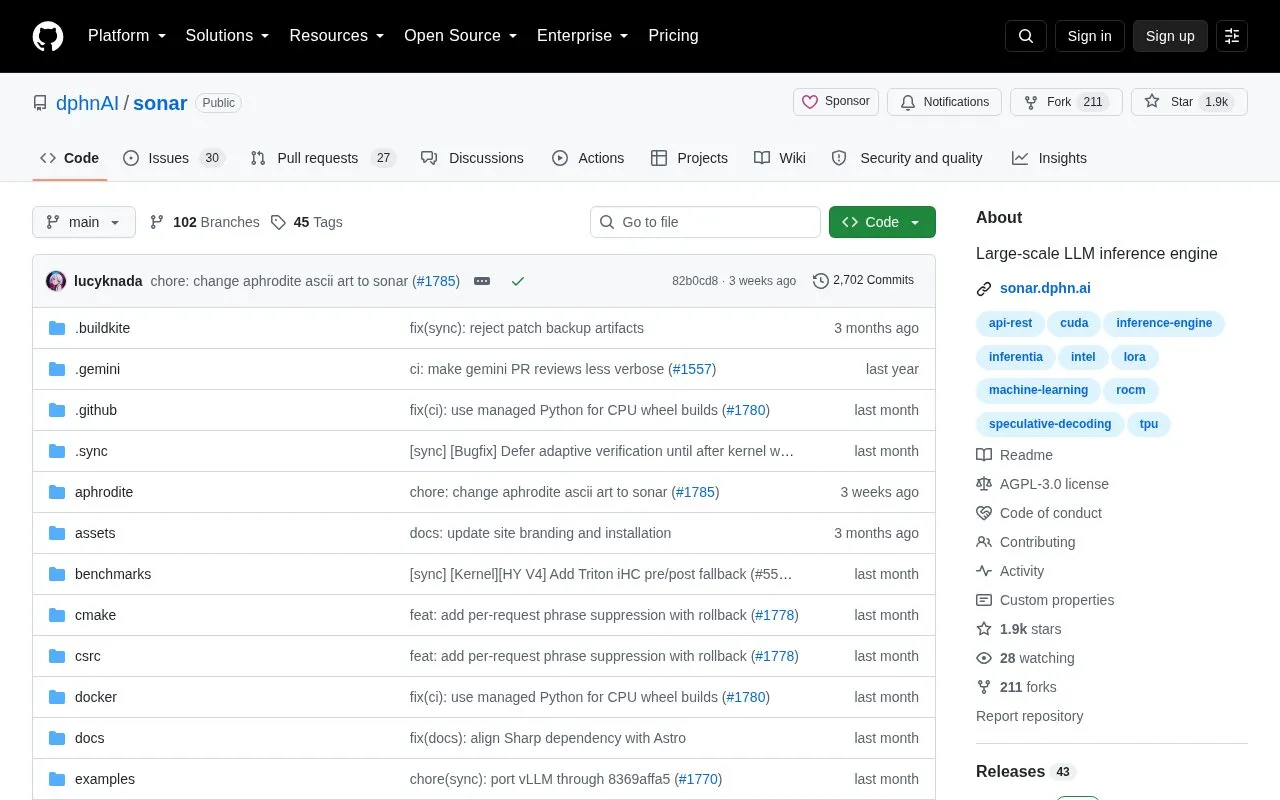
Sonar provides large-scale inference for language models through the project hosted in this repository.

github.com/PygmalionAI/aphrodite-engine
Aphrodite Engine homepage screenshot

About Aphrodite Engine

The repository hosts Sonar, an inference engine for Hugging Face-compatible language and multimodal models. It is based on vLLM and provides continuous batching, paged KV-cache management, quantization, speculative decoding, and distributed serving.

The server is started from the command line and listens on http://127.0.0.1:2242 by default, with OpenAI-compatible APIs, health checks, metrics, and an OpenAPI schema. Support depends on the model, device, data type, and quantization method.

Key features

  • Continuous batching with paged KV-cache management
  • Tensor, pipeline, data, and expert parallelism
  • Quantized weights with FP8 KV cache
  • Speculative decoding with MTP, EAGLE, and n-gram methods
  • LoRA adapter serving for supported models
  • Image, audio, and video model support
Best for: Developers and teams serving Hugging Face-compatible language and multimodal models in production.
Good for
  • Open source codebase based on vLLM with additional model and quantization formats
  • Provides OpenAI-compatible APIs with health checks, metrics, and OpenAPI schema
  • Installation guidance covers Linux, Apple silicon macOS, CUDA, ROCm, TPU, and Docker
Watch out for
  • Support depends on the model, device, data type, and quantization method
  • Model and quantization matrices must be checked before deployment

Aphrodite Engine at a glance

Type
Open-source project
Pricing
Not confirmed. Check the site
Open source
Yes · Source code
Language
English
Last checked
Oct 5, 2026 · Online when checked
Listed
Oct 5, 2026

Aphrodite Engine alternatives

Tools and sites you could use instead, ranked by how closely they match.

All 23 alternatives

Popular in Model Serving & Inference

Well-known listings from the same topic.

All 26

Aphrodite Engine FAQ

How do I serve a model?
Run aphrodite serve Qwen/Qwen3-0.6B --served-model-name qwen3. The server listens on http://127.0.0.1:2242 by default.
Which platforms does the automatic installer support?
Linux x86-64 with NVIDIA CUDA, AMD ROCm, or CPU, Linux Arm64 with CPU, and Apple silicon macOS with Metal.
How do I check if a model and quantization method are supported?
Check the generated model matrix and quantization matrix from the current source tree before deployment.
Is something wrong or out of date?

Tell us and an editor will check it.

Own this website?

Claim the listing and suggest updates yourself. An editor checks every claim first.

Claim this listing