
Dangerzone
Dangerzone converts potentially dangerous PDFs, office documents, and images into PDFs described by the project as safe.
About Dangerzone
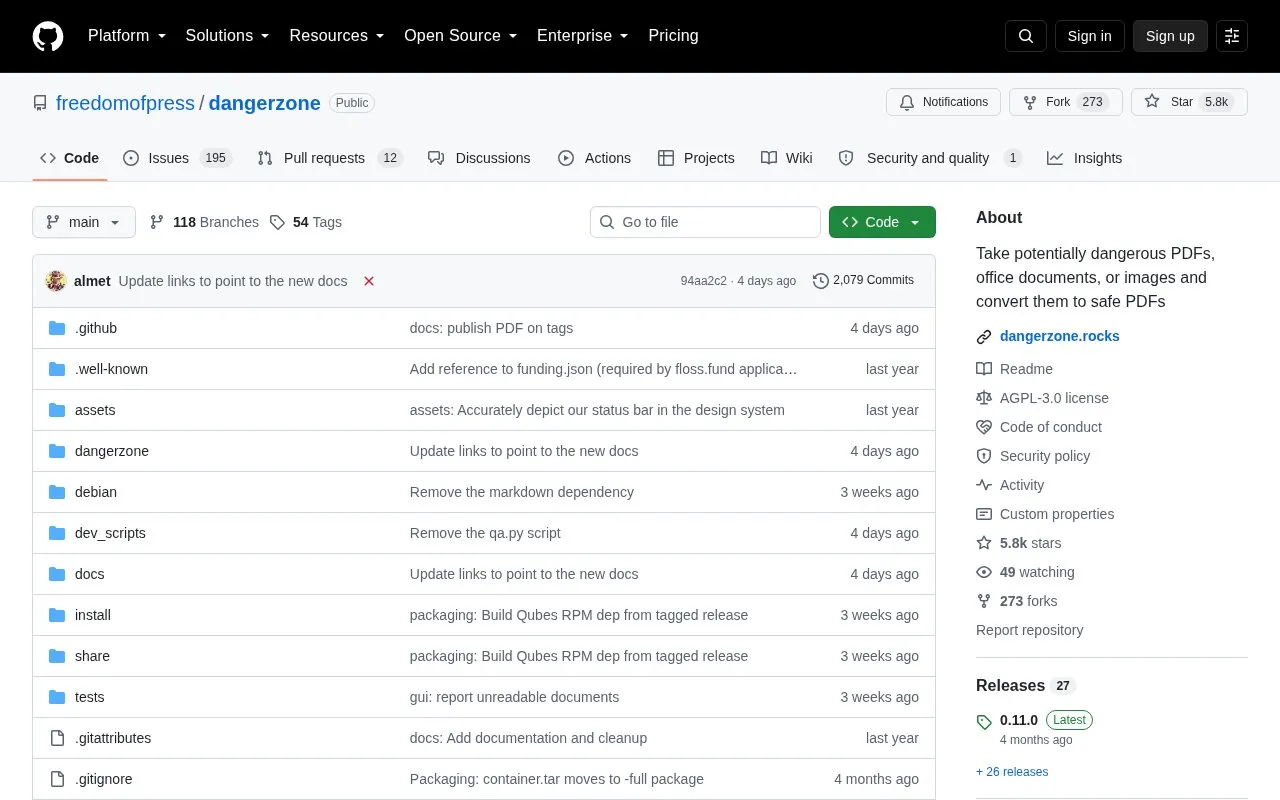
Dangerzone converts PDFs, office documents, and images into PDFs described by the project as safe. It is intended for files of unknown trust, such as email attachments.
Inside a sandbox it converts the input to PDF if needed, then renders the PDF pages to raw RGB pixel data. Outside the sandbox it rebuilds that pixel data into a PDF.
Key features
- Convert PDFs, office documents, and images into PDFs
- Accept untrusted files such as email attachments
- Convert documents to PDF inside a sandbox
- Render PDF pages to raw RGB pixel data
- Rebuild final PDF from pixel data outside sandbox
- Install on macOS, Windows, Ubuntu, Debian, Fedora, Qubes OS, Tails
Best for: People who need to handle PDFs, office documents, or images they do not trust, such as email attachments.
Good for
- Handles PDFs, office documents, and images
- Uses sandbox isolation during conversion
- Open-source code under AGPLv3 license
Watch out for
- Output is limited to PDF format
Dangerzone at a glance
- Category
- Online Tools › PDF & Document Tools
- Type
- Open-source project
- Pricing
- Not confirmed. Check the site
- Platforms
- Windows
- Open source
- Yes · Source code
- Language
- English
- Last checked
- Oct 5, 2026 · Online when checked
- Listed
- Oct 5, 2026
Guides for PDF & Document Tools
Dangerzone alternatives
Tools and sites you could use instead, ranked by how closely they match.

Convert PDF files into Markdown and JSON with Marker, a Python project described by its maintainers as fast and accurate.
Open source
12 alternatives
This repository contains plugins for Umi-OCR, including components that add OCR engines.
Open sourcePick
10 alternatives
Dangerzone converts potentially dangerous documents and images into safe PDFs by rendering them in a secure sandbox.

Merge or split PDF documents and rotate, crop, or rearrange pages using PDF Arranger, a Python GTK application.
Open source
15 alternatives
Add or edit PDF bookmarks and merge files with PDF Bookmark Editor, which also supports importing and exporting bookmark data.

Turn Markdown into PDF with Tideflow, a desktop app described by its project as offline, portable, and powered by Typst.
Open source
9 alternativesPopular in PDF & Document Tools
Well-known listings from the same topic.
2OCR2ocr.com2PDFConverter2pdfconverter.comBentopdfgithub.com/alam00000/bentopdfOCRToolocrtool.netPDFCoffeepdfcoffee.comPDF24pdf24.org


Dangerzone FAQ
How does Dangerzone work?
Inside a sandbox it converts the document to PDF if needed, then converts the PDF to raw RGB pixel data for each page. Outside the sandbox it converts that pixel data back into a PDF.
What types of files can it process?
Potentially dangerous PDFs, office documents, or images, with output as a PDF.
Is something wrong or out of date?
Tell us and an editor will check it.
Own this website?
Claim this listing
Claim the listing and suggest updates yourself. An editor checks every claim first.