
Marker
Convert PDF files into Markdown and JSON with Marker, a Python project described by its maintainers as fast and accurate.
About Marker
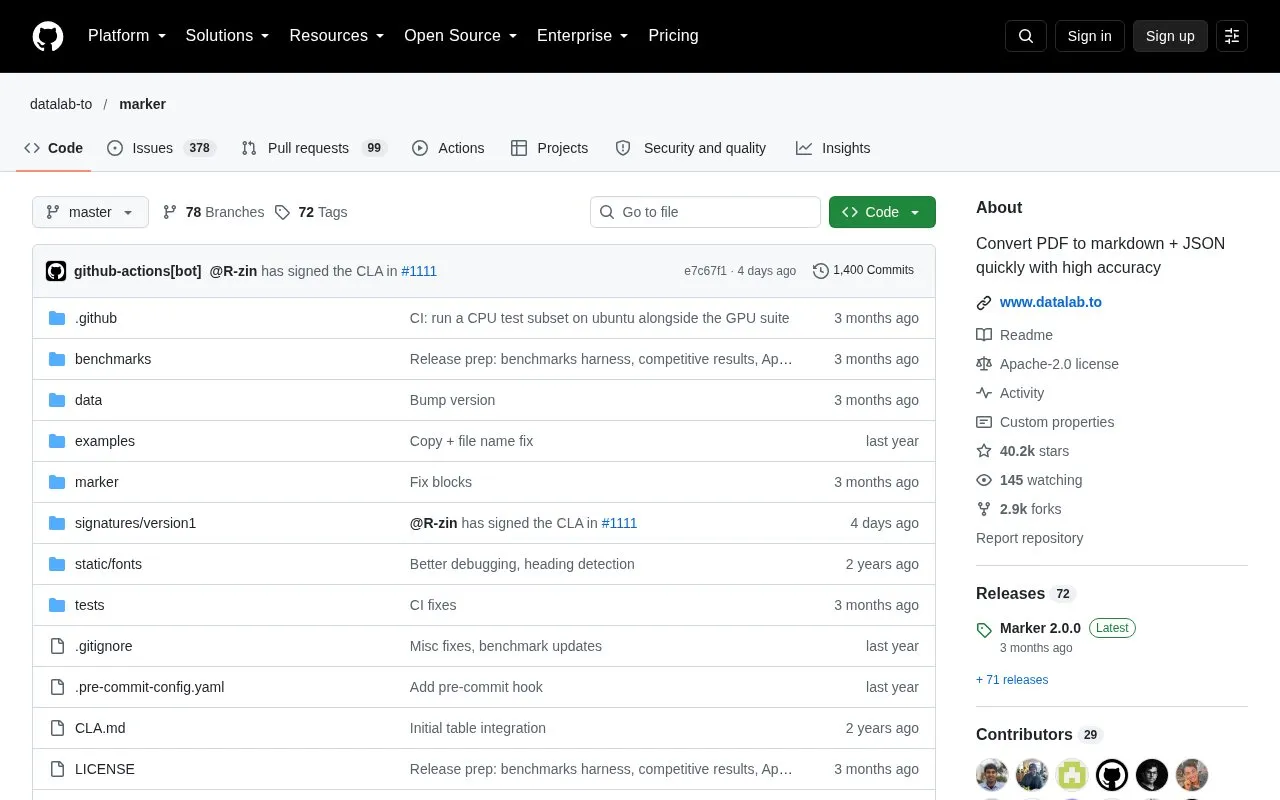
Marker is an open source Python project that converts documents into Markdown, JSON, chunks, and HTML. It accepts PDF, image, PPTX, DOCX, XLSX, HTML, and EPUB files and is installed with pip as marker-pdf. The project reports a 76.0% overall score on the olmocr-bench third-party benchmark in its balanced mode, with 83.5% on born-digital PDFs.
Users must have Python 3.10 or later and PyTorch. Non-PDF formats need an extra install step, and the inference backend requires vllm on an NVIDIA GPU or llama.cpp on CPU or Apple Silicon. The optional LLM mode sends work to external model providers, so it is not a fully local workflow. The code is licensed under Apache 2.0, but the model weights use a modified AI Pubs Open Rail-M license that limits commercial use beyond small startups.
Key features
- Converts PDF, image, PPTX, DOCX, XLSX, HTML, and EPUB files to Markdown and JSON
- Formats tables, forms, equations, inline math, links, references, and code blocks
- Extracts and saves images from documents
- Removes headers, footers, and other page artifacts
- Supports balanced and fast processing modes
- Optional LLM pass for merging tables across pages and extracting form values
Best for: Developers and teams who want a Python tool to convert documents into Markdown or JSON and can manage the setup and hardware requirements themselves.
Good for
- Code is licensed under Apache 2.0, which permits commercial use
- Runs on GPU, CPU, or MPS hardware
- Handles tables, equations, and inline math, with an optional LLM mode for higher accuracy
Watch out for
- Requires Python 3.10 or later and PyTorch
- Non-PDF formats need additional dependencies installed separately
- Model weights are licensed for commercial use only up to a stated funding or revenue limit
Marker at a glance
- Category
- Online Tools › PDF & Document Tools
- Type
- Open-source project
- Pricing
- Not confirmed. Check the site
- Open source
- Yes · Source code
- Language
- English
- Last checked
- Oct 6, 2026 · Online when checked
- Listed
- Oct 5, 2026
Guides for PDF & Document Tools
Marker alternatives
Tools and sites you could use instead, ranked by how closely they match.

Dangerzone converts potentially dangerous PDFs, office documents, and images into PDFs described by the project as safe.
Open source
14 alternatives
Merge or split PDF documents and rotate, crop, or rearrange pages using PDF Arranger, a Python GTK application.
Open source
15 alternatives
This repository contains plugins for Umi-OCR, including components that add OCR engines.
Open sourcePick
10 alternatives
Turn Markdown into PDF with Tideflow, a desktop app described by its project as offline, portable, and powered by Typst.
Open source
9 alternatives
Add or edit PDF bookmarks and merge files with PDF Bookmark Editor, which also supports importing and exporting bookmark data.

Turn web pages into PDF, EPUB, HTML, or Markdown documents with Percollate, a command-line tool.
Open source
12 alternativesPopular in PDF & Document Tools
Well-known listings from the same topic.
2OCR2ocr.com2PDFConverter2pdfconverter.comBentopdfgithub.com/alam00000/bentopdfOCRToolocrtool.netPDFCoffeepdfcoffee.comPDF24pdf24.org


Marker FAQ
What license covers the code?
The code is licensed under Apache 2.0. The model weights use a modified AI Pubs Open Rail-M license, which is free for research, personal use, and startups under $5M in funding or revenue.
Can it process file types other than PDF?
Yes, but those file types need additional dependencies. Install them with pip install marker-pdf[full].
What hardware can it run on?
The project states that it works on GPU, CPU, or MPS. The default mode depends on the device: balanced on a GPU and fast on a CPU or MPS.
Is something wrong or out of date?
Tell us and an editor will check it.
Own this website?
Claim this listing
Claim the listing and suggest updates yourself. An editor checks every claim first.