

Gifski converts video files into GIF animations through a macOS app for its encoder.
Gifski
Gifski converts videos into GIF files using the Gifski encoder in a macOS app.
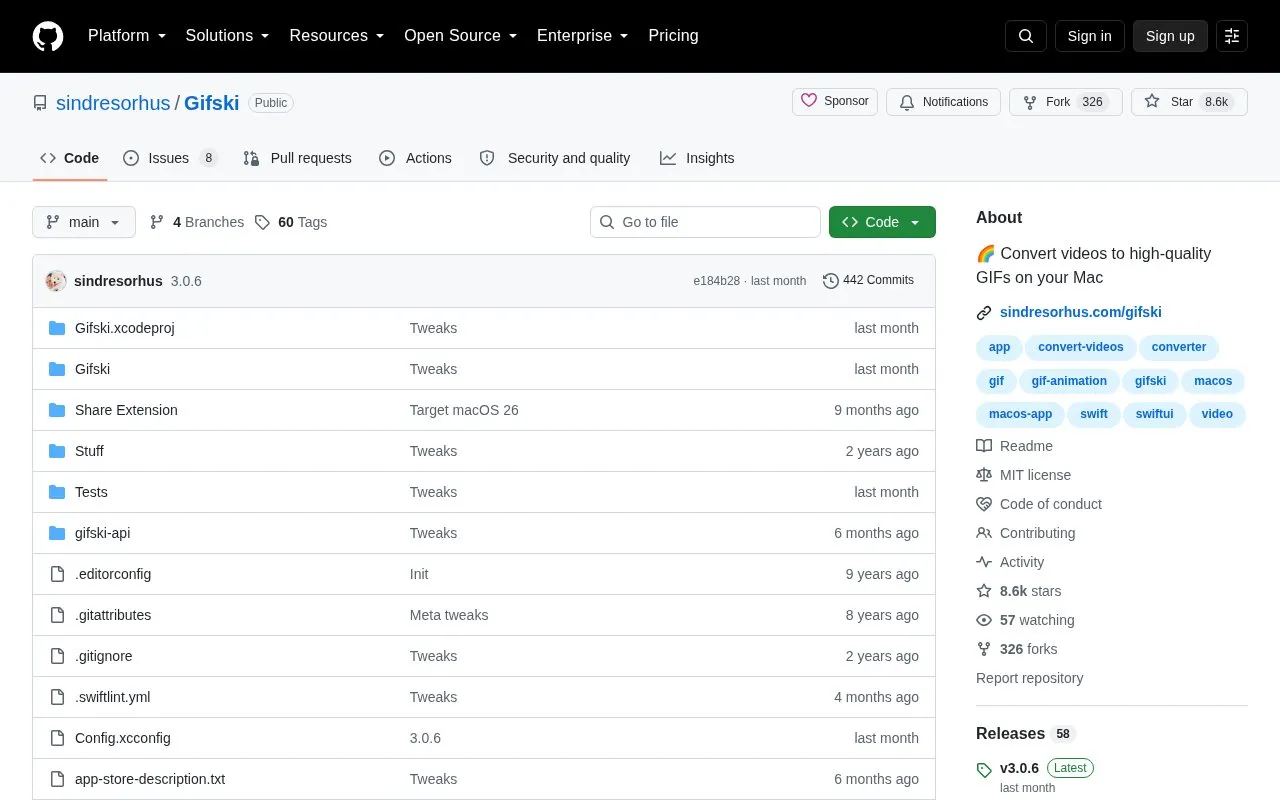
About Gifski
Gifski is a macOS app that converts video files into animated GIFs. It uses the open-source gifski encoder, which produces GIFs with thousands of colors per frame and frame rates up to 50 FPS. It supports the video formats macOS can open, such as .mp4 and .mov files with H.264, HEVC, or ProRes video. Users can adjust dimensions, speed, frame rate, quality, cropping, and looping. A quality slider, which uses gifsicle, can produce smaller, lower-quality files.
The current version requires macOS 26 or later. Older releases are listed for macOS 10.13 through macOS 13. A non-App Store version is available for users who cannot access the App Store. It does not receive automatic updates and is updated once a year. GIF is a space-inefficient format, so the source recommends short clips and reducing dimensions, frame rate, or quality when files are large.
Key features
- Converts macOS-supported video files such as .mp4 and .mov to GIF
- Produces thousands of colors per frame at up to 50 FPS
- Quality slider for smaller, lower-quality GIF files using gifsicle
- Settings for dimensions, speed, frame rate, cropping, and looping
- Share extension and Services menu integration for converting videos
- Bounce (yo-yo) playback option that doubles the frame count
Best for: Mac users who want to convert short video clips into high-quality animated GIFs.
Good for
- Open source, with the code publicly available in a GitHub repository
- Uses efficient cross-frame palettes and temporal dithering for image quality
- Older releases are listed for earlier macOS versions, down to macOS 10.13
Watch out for
- GIF files can be very large, especially for longer clips
- The current version requires macOS 26 or later
- The QuickTime Animation format is not supported
Gifski at a glance
- Category
- Software & Utilities › Mac Apps
- Type
- Open-source project
- Pricing
- Not confirmed. Check the site
- Platforms
- macOS
- Open source
- Yes · Source code
- Language
- English
- Last checked
- Oct 6, 2026 · Online when checked
- Listed
- Oct 5, 2026
Gifski alternatives
Tools and sites you could use instead, ranked by how closely they match.

Yattee plays video on iOS, tvOS, and macOS, with its project describing a privacy-oriented design.
Open source
24 alternatives
OpenMTP transfers files between Android devices and a Mac using a dedicated macOS file transfer application.
Open source
24 alternatives
Mist downloads macOS firmware and installer files through a Mac utility.
Open source
24 alternatives
ProperTree edits property-list files through a cross-platform graphical interface written in Python.
Open source
24 alternatives
yabai tiles and manages windows on macOS using binary space partitioning.
Open source
24 alternativesPopular in Mac Apps
Well-known listings from the same topic.
Adiumadium.imTheBoringNotchtheboring.nameThe Unarchivertheunarchiver.comOsaurusosaurus.aiBetter Shotbettershot.siteShotSolveshotsolve.com


Gifski FAQ
Why are the generated GIFs so large?
The GIF format is very space inefficient and works best with short video clips. Reducing the dimensions, frame rate, or quality can make the file smaller.
Can I run multiple conversions at the same time?
The app does not support this on its own. You can use the shortcut action in the Shortcuts app that comes with Gifski, or run open -na Gifski several times in a terminal to open multiple instances.
Why are frame rates of 60 FPS and higher not supported?
Browsers throttle frame rates above 50 FPS and play them at 10 FPS, so the app limits output to 50 FPS.
Is something wrong or out of date?
Tell us and an editor will check it.
Own this website?
Claim this listing
Claim the listing and suggest updates yourself. An editor checks every claim first.