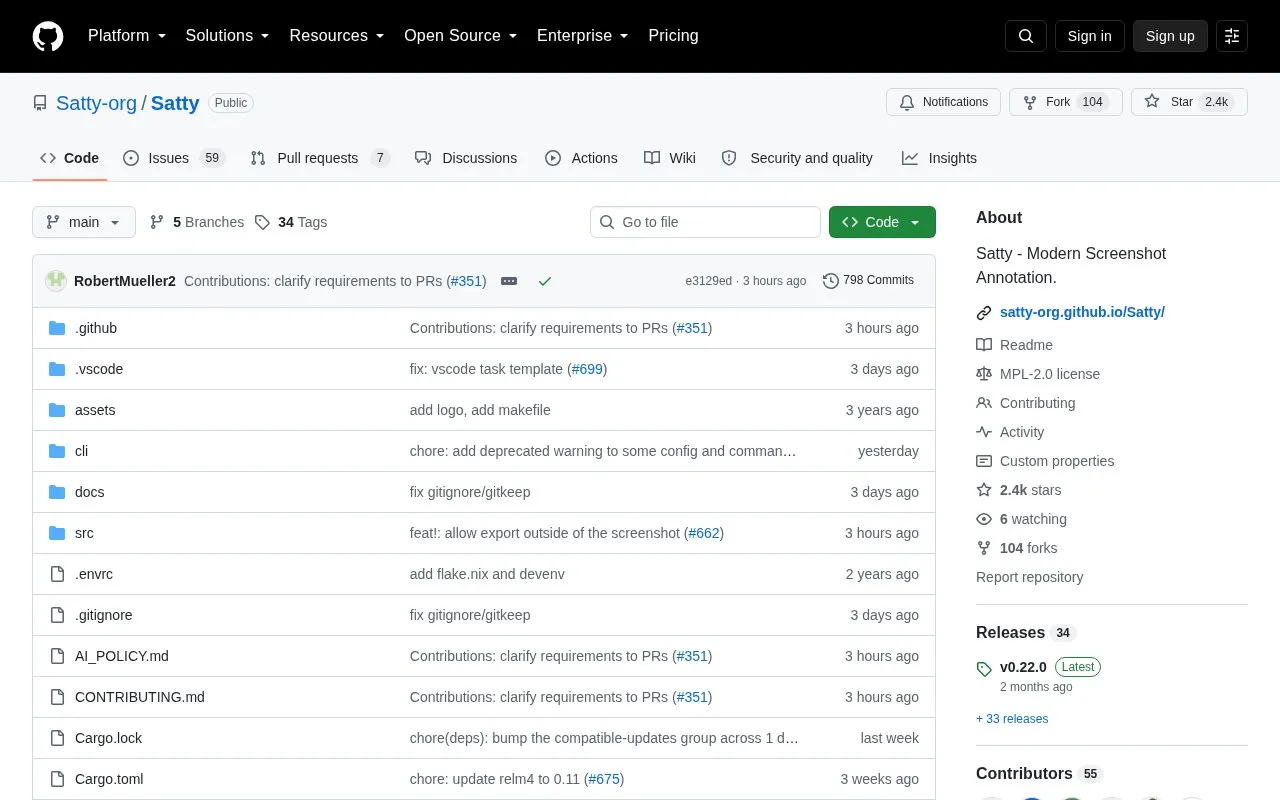
Satty is an open-source screenshot annotation tool inspired by Swappy and Flameshot. It accepts a screenshot via a filename or stdin, provides annotation tools with fullscreen mode and post-shot cropping, and saves the result to clipboard or a file. It supports undo and redo, zoom and pan, and configuration through system, user, and command-line options.
It is available for Linux and BSD distributions, with Flatpak bundles, an x86-64 prebuilt binary, and Cargo installation. Cargo installs omit the manpage, LICENSE file, and .Desktop file, and emoji support requires installing the Noto Color Emoji font.
Key features
Annotate screenshots supplied via filename or stdin
Fullscreen annotation mode with post-shot cropping
Save finished image to clipboard or file
Undo and redo edits during annotation
Zoom, pan, and toolbar toggling via shortcuts
Configurable via system, user, and command-line options
Best for: Linux and BSD users on wlroots-based compositors such as Sway, Hyprland, and River who need to annotate screenshots.
Good for
Hardware-accelerated rendering with OpenGL
Works on wlroots-based compositors including Sway, Hyprland, and River
Distributed for Linux and BSD via packages, Flatpak, and prebuilt binary
Watch out for
Cargo installs omit manpage, LICENSE file, and .Desktop file
Emoji support requires separate installation of Noto Color Emoji font
Provide a filename or pipe a screenshot via stdin, annotate with the available tools, then save to clipboard or file when finished.
What installation options are available?
Install via distribution packages on Linux and BSD, download the Flatpak bundle or x86-64 prebuilt binary from the Releases page, or use cargo install satty or cargo binstall satty.
How does Satty apply configuration?
It applies builtin defaults, then system-wide config, then user config, then a command-line-specified config file, then command-line options; a command-line config file ignores the earlier files.
Is something wrong or out of date?
Tell us and an editor will check it.
Own this website?
Claim the listing and suggest updates yourself. An editor checks every claim first.