

Itsycal displays a calendar from the macOS menu bar and lists downloads for current and older systems.
Free
9 alternativesSoundSeer displays the current song in the macOS menu bar and lets users skip tracks or open the song directly.
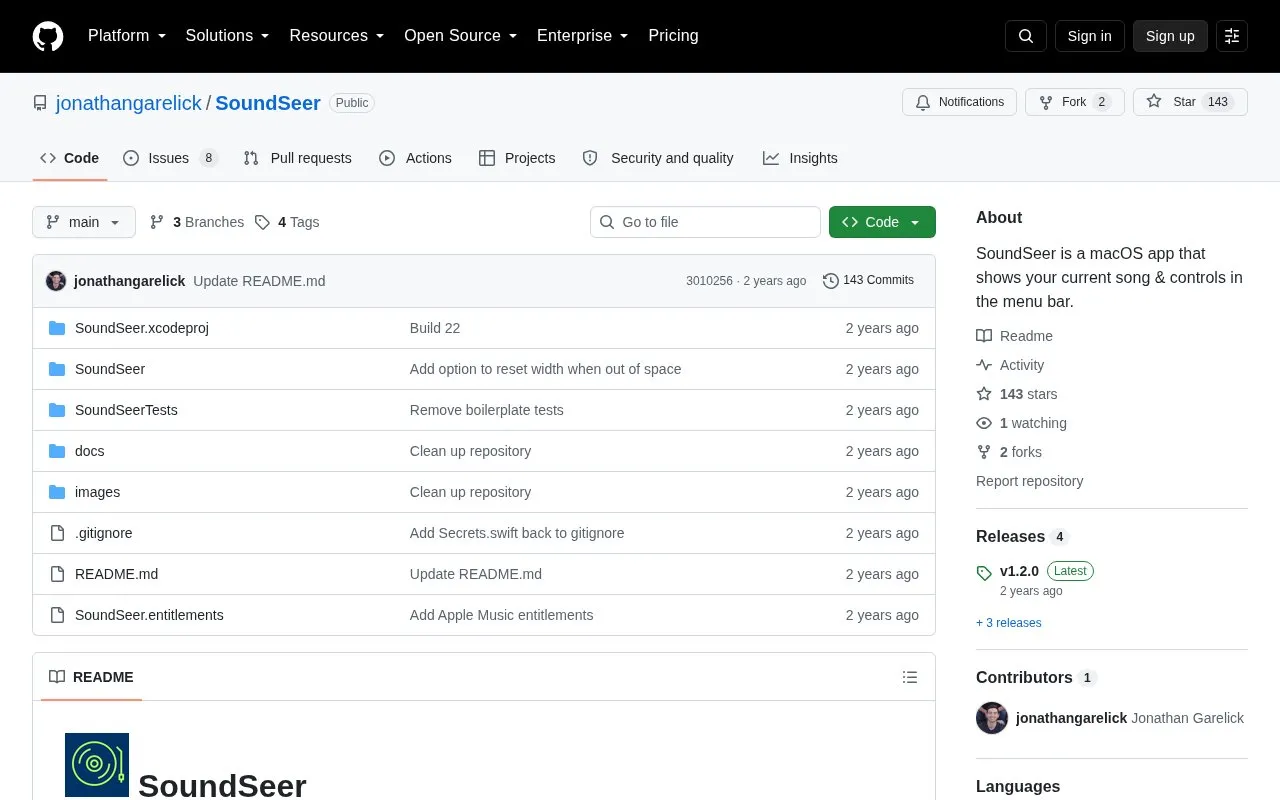
SoundSeer is a macOS menu bar app that shows the song currently playing. From the menu bar, users can skip to another track, open the song, artist, or album directly, and copy a URL to share the song.
The app requires macOS 14 or later. It is listed on the Mac App Store, and the project's GitHub repository accepts feedback as issues or by email to the author. The source does not state pricing, so this entry does not list a price.
Tools and sites you could use instead, ranked by how closely they match.
Itsycal displays a calendar from the macOS menu bar and lists downloads for current and older systems.
Hot displays the CPU speed limit caused by thermal issues in the macOS menu bar.
AirBattery displays battery levels for connected devices in the Mac Dock, menu bar, or widgets.
CodexBar tracks AI coding-provider usage windows, credits, costs, and resets in the macOS menu bar across 106 providers.
TopNotch makes the macOS menu bar black to hide the notch and supports Dynamic Desktop wallpapers and multiple displays.
Stats displays CPU, GPU, memory, disk, and other system information in the macOS menu bar.
Well-known listings from the same topic.
Tell us and an editor will check it.
Claim the listing and suggest updates yourself. An editor checks every claim first.


