

torchvista
torchvista visualizes a PyTorch model’s forward pass in notebooks and can export the visualization as an image, SVG, or HTML.
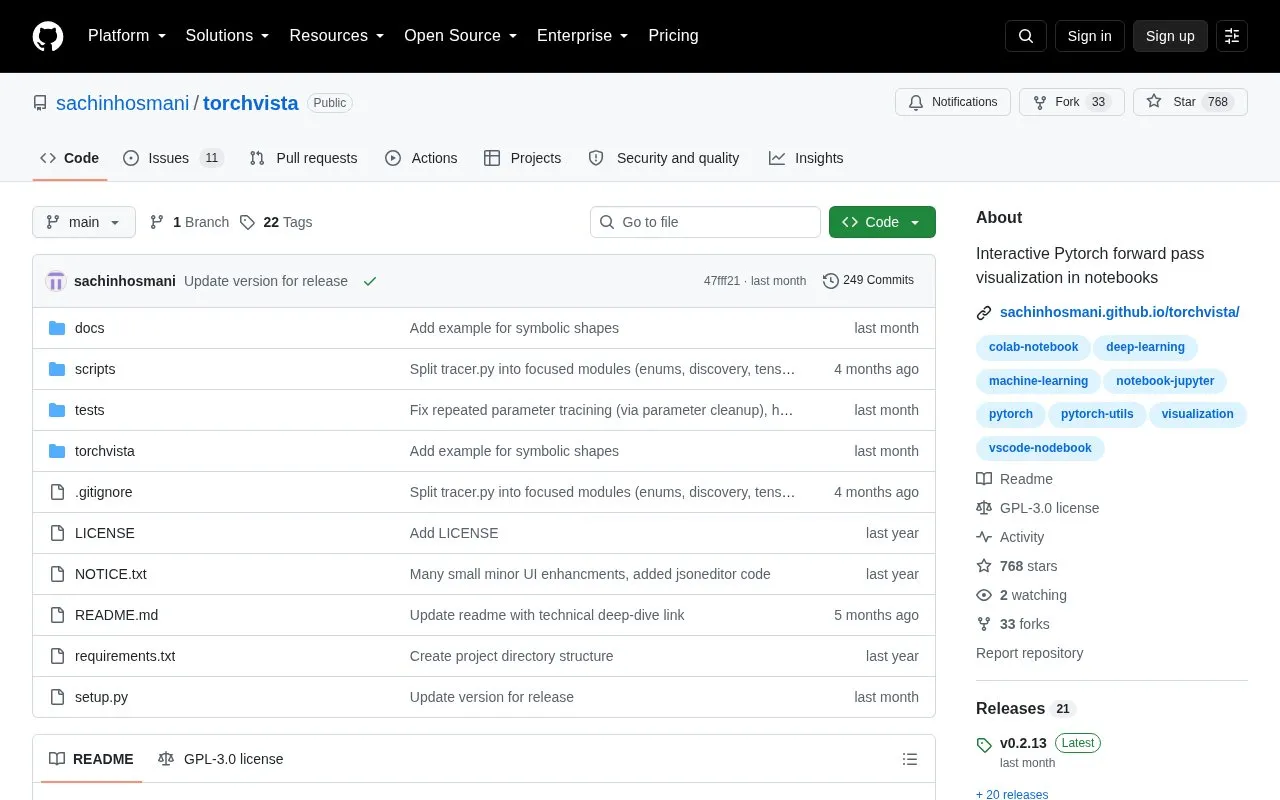
About torchvista
torchvista visualizes a PyTorch model's forward pass directly in web-based notebooks using trace_model(model, inputs). It displays an interactive graph with drag and zoom, collapsible hierarchical modules, and node-level parameter and attribute details, and can export the graph as PNG, SVG, or HTML.
It runs in environments such as Jupyter, Google Colab, Kaggle, and VSCode notebooks. Custom export paths are currently supported only for HTML, and the experimental compressed view only recognizes repeating nodes within Sequential and ModuleList and may be expensive on large models.
Key features
- Visualize PyTorch model forward pass in notebooks via trace_model
- Interactive graph with drag and zoom support
- Collapsible nodes for hierarchical modules
- Click nodes to view parameter and attribute info
- Export visualization as PNG, SVG, or HTML file
- Partial visualization when errors occur for debugging
Best for: PyTorch users who inspect or debug model forward passes in Jupyter, Colab, Kaggle, or VSCode notebooks.
Good for
- Supports Jupyter, Colab, Kaggle, and VSCode notebooks
- Installs via pip or conda-forge
- Shows partial graph when errors such as shape mismatches occur
Watch out for
- Requires a web-based notebook to display the interactive graph
- Custom export paths currently supported only for HTML
- Experimental compressed view limited to Sequential and ModuleList and can be expensive on large models
torchvista at a glance
- Category
- Design & Creative › Charts & Data Visualization
- Type
- Open-source project
- Pricing
- Not confirmed. Check the site
- Open source
- Yes · Source code
- Language
- English
- Last checked
- Oct 5, 2026 · Online when checked
- Listed
- Oct 5, 2026
Guides for Charts & Data Visualization
torchvista alternatives
Tools and sites you could use instead, ranked by how closely they match.

RAWGraphs App provides a web interface for creating custom vector-based visualizations with the RAWGraphs core.
Open source
24 alternatives
Kroki CLI converts diagram files through the Kroki service, inferring diagram type from the file extension by default.
Open source
24 alternatives
Svgbob converts text-based ASCII diagrams into SVG graphics, with both a library and command-line interface.
Open source
24 alternatives
Line Graph Maker builds customizable line charts from labels and data values, with image export available from the page.

JSON Crack visualizes and edits JSON, CSV, YAML, and XML as interactive graphs, with formatting, querying, and validation tools.

Gadfly provides statistical graphics and plotting tools for the Julia programming language.
Popular in Charts & Data Visualization
Well-known listings from the same topic.
Data GIF Makerdatagifmaker.withgoogle.comDatawrapperdatawrapper.deDataVizCataloguedatavizcatalogue.comaltairaltair-viz.github.ioCharts Buildercharts.hohli.comPie Chart Makerpiechartmaker.co


torchvista FAQ
How do I install torchvista?
Install with pip install torchvista or with conda install -c conda-forge torchvista.
How do I visualize a model?
Import trace_model from torchvista and call trace_model(model, inputs) in a notebook.
What export formats are supported?
The visualization can be exported as PNG, SVG, or HTML, otherwise it is shown in the notebook.
Is something wrong or out of date?
Tell us and an editor will check it.
Own this website?
Claim this listing
Claim the listing and suggest updates yourself. An editor checks every claim first.