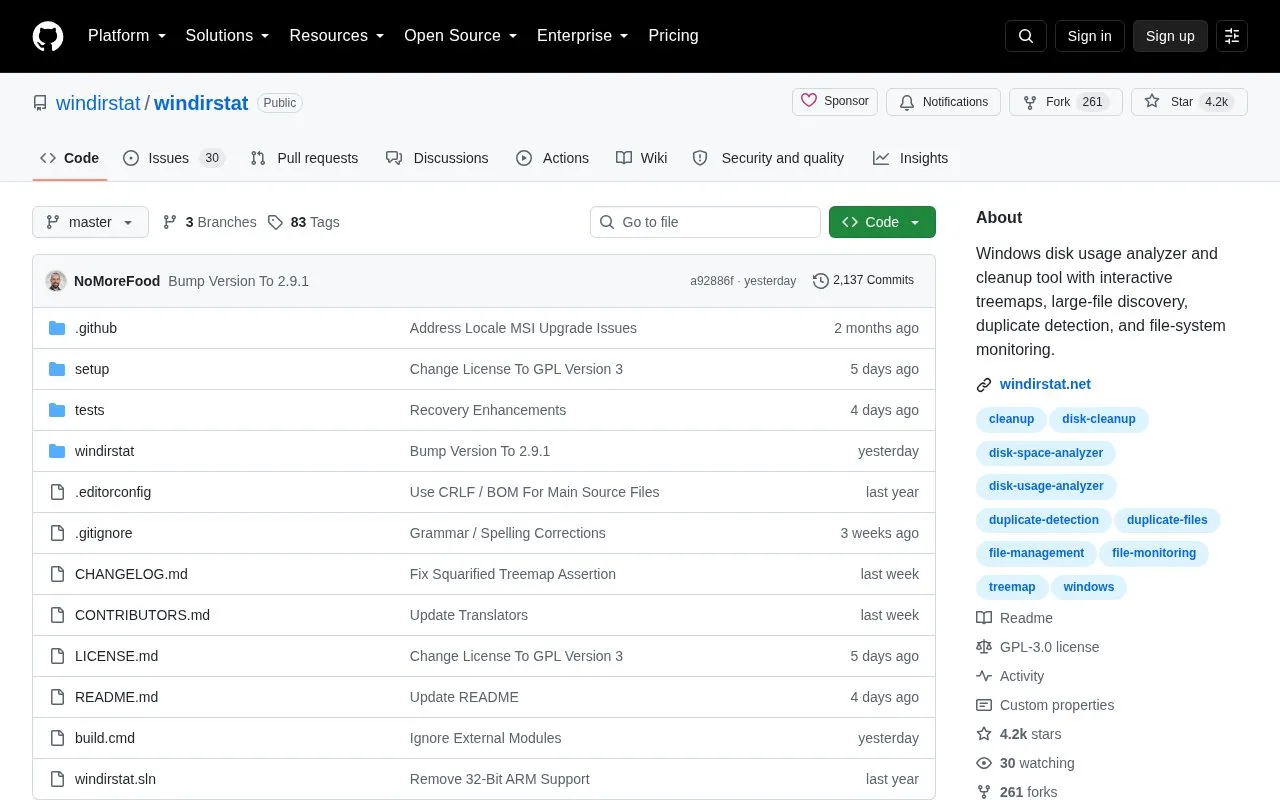
WinDirStat is a disk usage analyzer and cleanup assistant for Microsoft Windows. It can scan drives, folders, network shares, or connected MTP devices, and shows usage through sortable file lists, file-type statistics, and treemaps, sunbursts, or flame graphs.
It can find large or duplicate files, inspect permissions, estimate storage tier costs by file age, save scans as CSV or JSON, and run cleanup actions. Accelerated local NTFS scanning requires elevated access, duplicate hashing adds file reads, and deleted-file recovery depends on surviving metadata and file data.
Key features
Scan multiple drives, folders, network shares and MTP devices together
View usage with treemaps, sunbursts, flame graphs and file lists
Search by name, size, type or owner with regex filters
Detect duplicates with configurable hashes and cloud-file safeguards
Save scans as CSV or JSON and export reports by command line
Recover deleted files from NTFS, exFAT and FAT drives as administrator
Best for: Windows users who want to identify what uses disk space and manage large or duplicate files.
Good for
Open source with portable settings and Explorer integration
Supports network shares and connected MTP devices as scan targets
Saves scans as CSV or JSON and supports command-line report export
Choose Individual Folders in Select Drives and use the add-folder button to add folders together. Connected MTP devices appear under Individual Drives.
How can I install WinDirStat?
Install through the Microsoft Store, winget, Chocolatey, or Scoop, or use the manual installer or portable archive from the GitHub releases page. The 64-bit MSI is listed for most modern Intel or AMD 64-bit PCs.
How can I use it in scripts?
Use /SaveTo, /SaveDupesTo, or /SavePermsTo followed by an output filename and scan targets. Save modes write a report and exit, while /LoadFrom reopens a saved scan.
Is something wrong or out of date?
Tell us and an editor will check it.
Own this website?
Claim the listing and suggest updates yourself. An editor checks every claim first.