

Filebrowser
Filebrowser provides a web-based file manager designed for self-hosting.
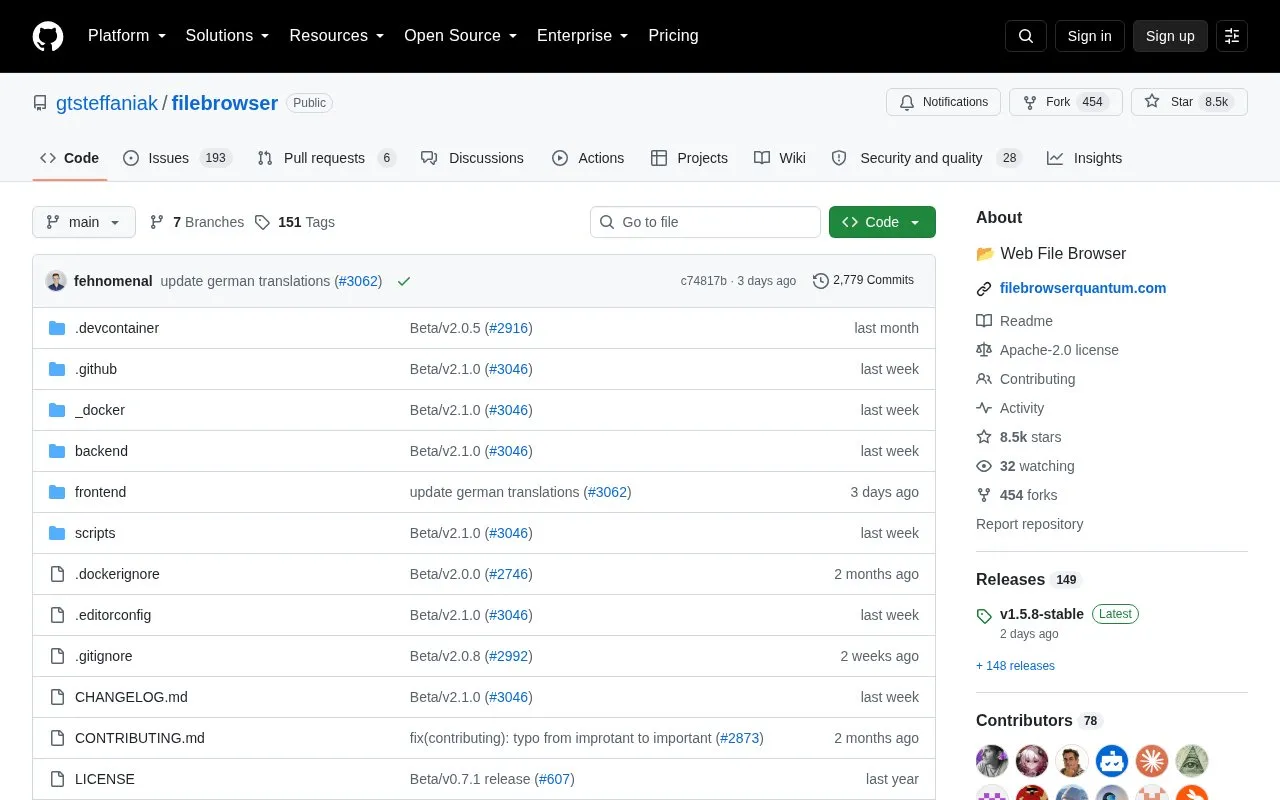
About Filebrowser
FileBrowser Quantum is a free and open-source web-based file manager for self-hosting. It is a fork of the file browser open-source project and provides a responsive interface for accessing, managing, previewing, and editing files from the web. It supports multiple sources, include/exclude rules, WebDAV, granular permissions, sharing controls, and real-time search with filters.
The application offers OIDC, LDAP, JWT, password with 2FA, and proxy login options, along with long-lived API tokens and a Swagger page at /swagger. Configuration is handled through a config.yaml file, and it can run via Docker or a standalone binary on Linux, Windows, and Mac. The comparison chart lists no S3 or FTP support, shell commands have been completely removed, and the official documentation is currently English-only. The chart lists a minimum memory requirement of 512 MB and a Docker image size of 180 MB with ffmpeg.
Key features
- Self-hosted web file manager with preview, editing, and responsive UI
- Multiple sources with include/exclude rules
- Login via OIDC, LDAP, JWT, password with 2FA, proxy
- Real-time search with file and folder size filters
- Sharing with expiration, anonymous access, themes, permissions
- WebDAV support, granular permissions, long-lived API tokens
Best for: Self-hosting users who need a free, open-source web file manager with multiple sources, advanced login options, and WebDAV support.
Good for
- Free and open-source, self-hostable on Linux, Windows, and Mac
- Supports multiple sources and advanced authentication methods
- Includes WebDAV, granular permissions, and long-lived API tokens
Watch out for
- No S3 or FTP support according to the comparison chart
- Shell commands are completely removed
- Official documentation is currently English-only
Filebrowser at a glance
- Category
- Software & Utilities › File Utilities
- Type
- Open-source project
- Pricing
- Not confirmed. Check the site
- Open source
- Yes · Source code
- Language
- English
- Last checked
- Oct 6, 2026 · Online when checked
- Listed
- Oct 5, 2026
Guides for File Utilities
Filebrowser alternatives
Tools and sites you could use instead, ranked by how closely they match.

Blazing fast terminal file manager written in Rust, based on async I/O.
Open source
24 alternatives
ConvertX offers a self-hosted file converter supporting more than 1,000 formats, according to its repository description.
Open source
24 alternatives
Double Commander is an open-source file manager with two panels side by side or stacked vertically.
Open source
24 alternatives
Transmute provides self-hosted file conversion and compression for images, video, audio, documents, spreadsheets, subtitles, and fonts.
Open source
24 alternatives
PeaZip is a cross-platform archive manager for opening and extracting ZIP and RAR files, with additional archive features.
Open source
24 alternatives
FoliCon customizes folder icons for movies, shows, games, anime, and music, with ratings and package-manager support listed.
Open source
24 alternativesPopular in File Utilities
Well-known listings from the same topic.
SDeletelearn.microsoft.com/en-us/sysinternals/downloa…PowerRenamelearn.microsoft.com/en-us/windows/powertoys/po…robocopylearn.microsoft.com/windows-server/administrat…VERTvert.shNanaZipnanazip.orgPhotonphotondev.netlify.app


Filebrowser FAQ
Is FileBrowser Quantum free?
The source states it is free and will always be free and open-source.
What login methods are supported?
OIDC, LDAP, JWT, password with 2FA, and proxy login are listed.
Does it support S3 or FTP?
The comparison chart marks S3 support and FTP support as not available.
Is something wrong or out of date?
Tell us and an editor will check it.
Own this website?
Claim this listing
Claim the listing and suggest updates yourself. An editor checks every claim first.