
Microsoft Authenticator
Free Microsoft mobile authenticator for sign-in approvals, time-based codes, and documented account backup and recovery.
About Microsoft Authenticator
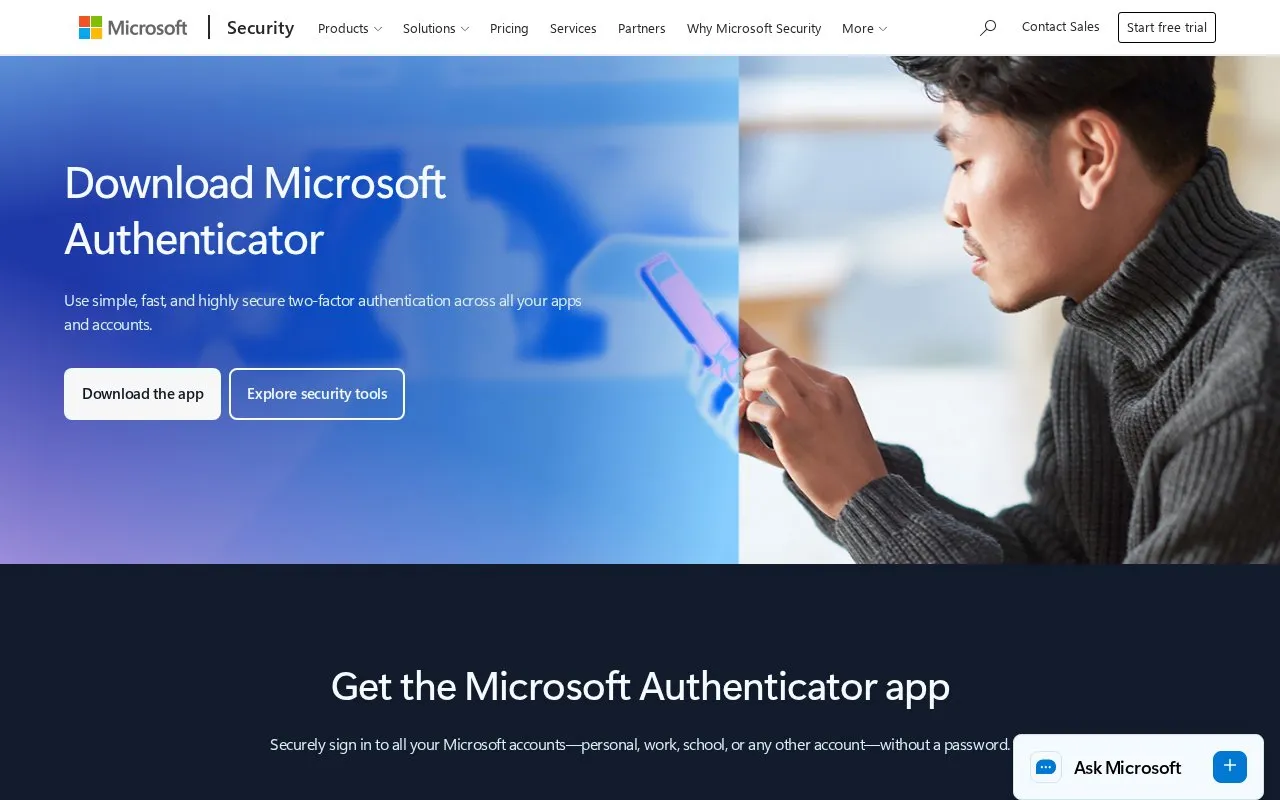
Microsoft Authenticator is a free mobile app for Android and iOS. It provides two-factor authentication through sign-in approvals and time-based codes, and it supports documented account backup and recovery. The homepage says users can sign in to Microsoft accounts, whether personal, work, or school, without a password. The homepage also describes the app as a way to help protect data from outside breaches. This entry does not verify that outcome.
The app is not open source according to this listing. Microsoft provides a setup guide for connecting accounts, and the homepage notes that some users may have trouble with the QR code step during setup.
Key features
- Sign-in approval requests delivered through the mobile app
- Time-based one-time codes for two-factor authentication
- Passwordless sign-in to Microsoft personal, work, and school accounts
- Documented account backup and recovery
- Setup guide for connecting accounts to the app
- Available for Android and iOS devices
Best for: People who want a free phone app for two-factor sign-in and sign-in approvals on Microsoft accounts and other supported accounts.
Good for
- Free to use, according to the listed pricing
- Includes documented account backup and recovery
- Supports both sign-in approvals and time-based codes
Watch out for
- Available only on Android and iOS
- Not open source, according to this listing
Microsoft Authenticator at a glance
- Category
- Privacy & Security › Password Managers
- Type
- Online tool
- Pricing
- Free
- Platforms
- Android, iOS
- Open source
- Not stated
- Last checked
- Oct 7, 2026 · Online when checked
- Listed
- Oct 7, 2026
Guides for Password Managers
Microsoft Authenticator alternatives
Tools and sites you could use instead, ranked by how closely they match.

Google's two-factor authentication app that generates time-based codes for online accounts. Free.
Free
11 alternativesTofu, an iOS authenticator, that adds accounts by scanning issuer QR codes and generates time-based or counter-based one-time passwords offline.

Free multi-factor authentication app for Zoho and third-party accounts with backup and multi-device sync.
Free
10 alternatives
Use Stratum, an open-source Android app for generating two-factor authentication codes, with encrypted backups, account categories, and a Wear OS companion app.

Stratum Auth is an Android and Wear OS two-factor authentication client supporting TOTP and HOTP codes, encrypted backups, and account categories.
Open source
24 alternatives
Bitwarden stores and syncs passwords and passkeys through browser extensions, desktop and mobile apps, and a web vault. It offers free accounts and paid personal and business plans.
FreemiumOpen sourcePick
24 alternativesFeatured in
 8 sites


Best of
8 Best Free Authenticator Apps for Codes and Recovery
I'd choose Ente Auth when codes need to work across phones and computers, and Aegis for a local Android vault. These…
Popular in Password Managers
Well-known listings from the same topic.
Proton Passproton.me/passgopassgopass.pwKeePassiumkeepassium.comKeeWebkeeweb.infoAuthPassauthpass.app2FAS2fas.com


Microsoft Authenticator FAQ
Is Microsoft Authenticator free?
The listing shows the known pricing as free.
Can I sign in to Microsoft accounts without a password?
The homepage says users can securely sign in to their Microsoft accounts, including personal, work, and school accounts, without a password.
Where can I find help setting up the app?
Microsoft provides a get-started page that explains how to set up Mobile Authenticator and connect accounts.
Is something wrong or out of date?
Tell us and an editor will check it.
Own this website?
Claim this listing
Claim the listing and suggest updates yourself. An editor checks every claim first.