
Zoho OneAuth
Free multi-factor authentication app for Zoho and third-party accounts with backup and multi-device sync.
About Zoho OneAuth
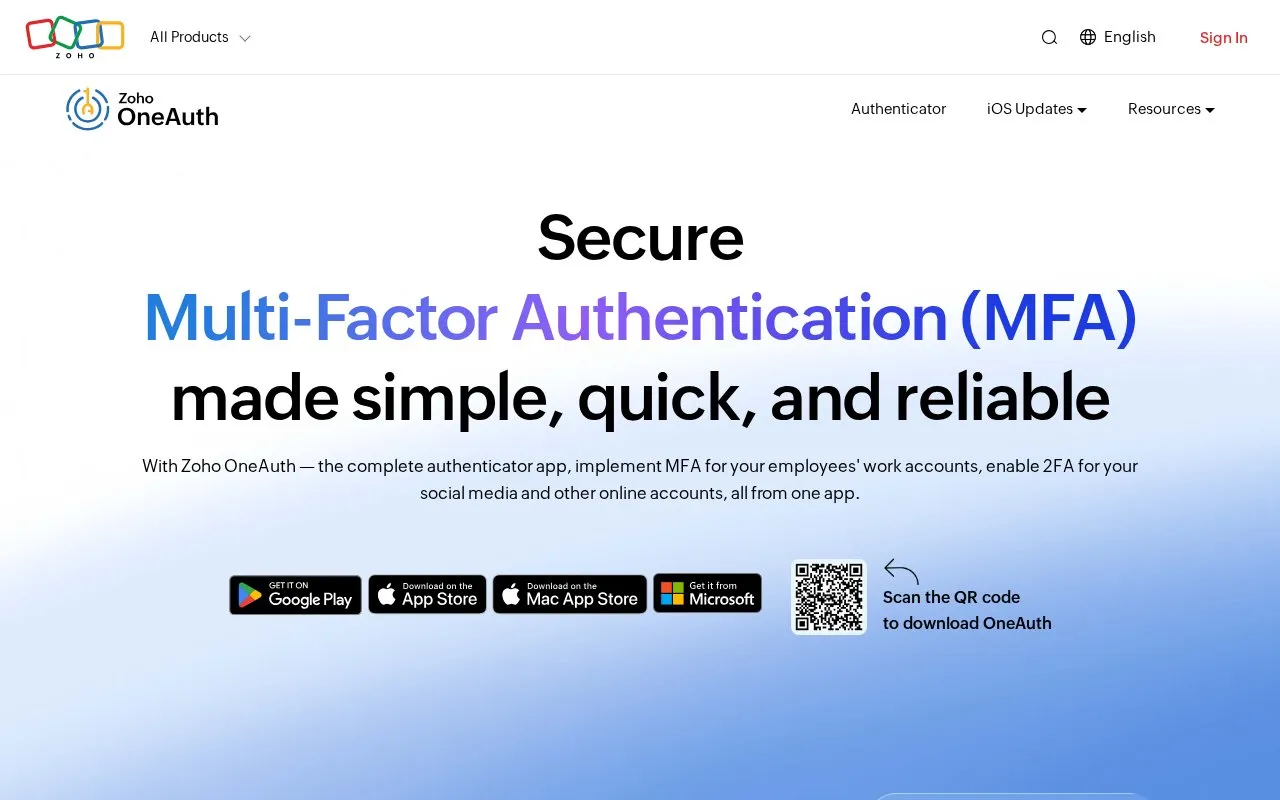
Zoho OneAuth is a free multi-factor authentication (MFA) app. It generates time-based one-time codes on the user's own device, which can be used as a second step when signing in to Zoho accounts and to third-party accounts such as Google, Adobe, GitHub, Zoom, X, Instagram, and LinkedIn. The homepage states that it is available on Apple, Android, and Windows devices, and the directory lists Mac and web as well.
The app also covers passwordless sign-in with a QR code, mobile single sign-on to Zoho apps, and organization-wide MFA set up by IT administrators through Zoho Directory. Account recovery after device loss relies on a passphrase, and the homepage says the passphrase also helps sync OTP codes across devices. The homepage does not say where backup or sync data is stored, and it does not list which features are included in each plan.
Key features
- Generates time-based one-time codes on the user's own device
- Passwordless sign-in by scanning a QR code, labeled as new on the homepage
- Mobile single sign-on to Zoho apps from the OneAuth app
- Organization-wide MFA setup through Zoho Directory for IT administrators
- Two-factor authentication for third-party accounts such as Google, GitHub, and Zoom
- Passphrase-based account recovery and OTP code sync across devices
Best for: Individuals and organizations that want to add MFA to Zoho accounts and other online accounts from one app.
Good for
- Free to download and use, according to the homepage and FAQ
- Covers both Zoho accounts and third-party online accounts in one app
- Includes app lock with biometrics and remote log out of sessions
Watch out for
- Recovery after device loss depends on a passphrase that the user must set up and keep
- The homepage does not state which features are available on each platform or plan
Zoho OneAuth at a glance
- Website
- zoho.com/accounts/oneauth
- Category
- Privacy & Security › Password Managers
- Type
- Online tool
- Pricing
- Free
- Platforms
- Android, iOS, mac, Web, Windows
- Open source
- Not stated
- Last checked
- Oct 7, 2026 · Online when checked
- Listed
- Oct 7, 2026
Guides for Password Managers
Zoho OneAuth alternatives
Tools and sites you could use instead, ranked by how closely they match.

Ente Auth provides cross-platform two-factor authentication with end-to-end encrypted cloud backups for account tokens.
FreeOpen source
24 alternatives
Use Stratum, an open-source Android app for generating two-factor authentication codes, with encrypted backups, account categories, and a Wear OS companion app.

Google's two-factor authentication app that generates time-based codes for online accounts. Free.
Free
11 alternatives
Stratum Auth is an Android and Wear OS two-factor authentication client supporting TOTP and HOTP codes, encrypted backups, and account categories.
Open source
24 alternatives
Bitwarden stores and syncs passwords and passkeys through browser extensions, desktop and mobile apps, and a web vault. It offers free accounts and paid personal and business plans.
FreemiumOpen sourcePick
24 alternatives
Free Microsoft mobile authenticator for sign-in approvals, time-based codes, and documented account backup and recovery.
Free
10 alternativesFeatured in
 8 sites


Best of
8 Best Free Authenticator Apps for Codes and Recovery
I'd choose Ente Auth when codes need to work across phones and computers, and Aegis for a local Android vault. These…
Popular in Password Managers
Well-known listings from the same topic.
Proton Passproton.me/passgopassgopass.pwKeePassiumkeepassium.comKeePassXCkeepassxc.orgKeeWebkeeweb.infoAuthPassauthpass.app


Zoho OneAuth FAQ
Why use an authenticator app instead of SMS-based login?
The homepage states that an authenticator app involves an external device, which gives greater security during login. It says this approach avoids SIM swap attacks and SMS-based phishing. It does not guarantee protection against all attacks.
What is a passphrase and why is it important?
A passphrase is a set of characters used to speed up recovery and regain access to a Zoho OneAuth account after device loss, formatting, or app uninstallation. The homepage also says it helps sync OTP codes across devices.
Is Zoho OneAuth free to use?
The homepage states that Zoho OneAuth is available for free across platforms. It can be used to enable MFA for Zoho work accounts and to secure personal online accounts.
Is something wrong or out of date?
Tell us and an editor will check it.
Own this website?
Claim this listing
Claim the listing and suggest updates yourself. An editor checks every claim first.