

Share X
ShareX captures or records screen regions and uploads images, text, and other files to a range of destinations.
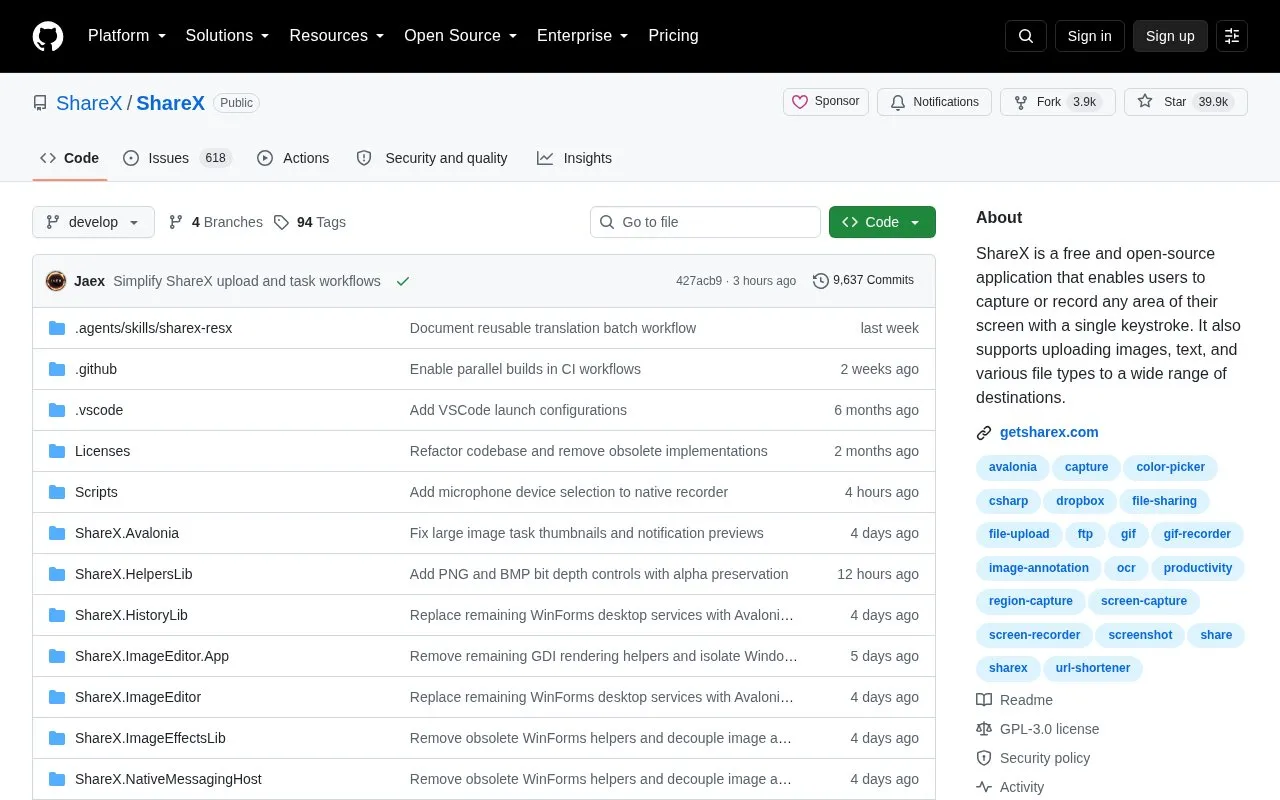
About Share X
ShareX is a free, open-source Windows desktop application for screen capture, screen recording, and file sharing. It allows users to capture any screen region or record video and GIFs with a single keystroke, and supports uploading images, text, and various file types to a wide range of destinations. The tool includes built-in annotation tools, an image editor, OCR text extraction, QR code scanning, and customizable after-capture tasks and hotkeys. It is ad-free, requires no user account, and is designed for users who need fast, automated screen capture and sharing workflows.
Key features
- Capture any screen region or record video/GIFs via hotkey
- Annotate screenshots with shapes, text, blur, and pixelation tools
- Extract text from images using built-in OCR
- Upload files, images, and text to multiple destinations
- Run customizable after-capture tasks and workflows
- Scan QR codes and pick colors from the screen
Best for: ShareX is best for developers, designers, support teams, content creators, technical writers, QA testers, and power users who regularly create screenshots, record clips, share files, or document workflows.
Good for
- Free, open-source, ad-free, and requires no user account
- Combines capture, recording, editing, uploading, and automation in one lightweight app
- Offers highly customizable workflows, hotkeys, and after-capture tasks
Watch out for
- Only available for Windows operating systems
Share X at a glance
- Website
- github.com/ShareX/ShareX
- Type
- Open-source project
- Pricing
- Not confirmed. Check the site
- Open source
- Yes · Source code
- Language
- English
- Last checked
- Oct 5, 2026 · Online when checked
- Listed
- Oct 5, 2026
Guides for Screen Recording & Streaming Tools
Share X alternatives
Tools and sites you could use instead, ranked by how closely they match.

vokoscreenNG is a screencast creator for Windows and Linux that records the screen, an area, or a window (Linux only), with audio from multiple sources and built-in camera support.
Open source
24 alternatives
ScreenREC is a web-based screen recorder; its repository describes a privacy-focused project with no ads, time limits, or data collection.
Open source
24 alternatives
This Windows screen annotation project is a fork of gInk, according to its repository description.
Open source
24 alternatives
gInk is Windows software for annotating the screen during presentations, demonstrations, or other work beside on-screen content.
Open source
24 alternatives
LiveDraw lets users draw or mark over the screen in real time while presenting dynamic content, according to its repository description.
Open source
24 alternatives
The OBS background removal plugin removes backgrounds in portrait video so they can be replaced during recording or streaming.
Open source
24 alternativesPopular in Screen Recording & Streaming Tools
Well-known listings from the same topic.
StreamElementsstreamelements.comStreamlabsstreamlabs.comStreamer.botstreamer.botAwesome Streaminggithub.com/juancarlospaco/awesome-streaming-to…VDO.Ninjavdo.ninjaStreamrecorderstreamrecorder.io


Share X FAQ
Does ShareX require a user account?
No, ShareX does not require a user account to use.
What operating systems is ShareX compatible with?
ShareX is designed for Windows operating systems.
What types of content can ShareX upload?
ShareX supports uploading images, text, and various file types to a wide range of destinations.
Is something wrong or out of date?
Tell us and an editor will check it.
Own this website?
Claim this listing
Claim the listing and suggest updates yourself. An editor checks every claim first.