

This repository curates PowerToys Run community plugins and resources for the Windows quick launcher.
Open source
24 alternativesCerebro provides an open-source launcher for desktop productivity, according to its repository description.
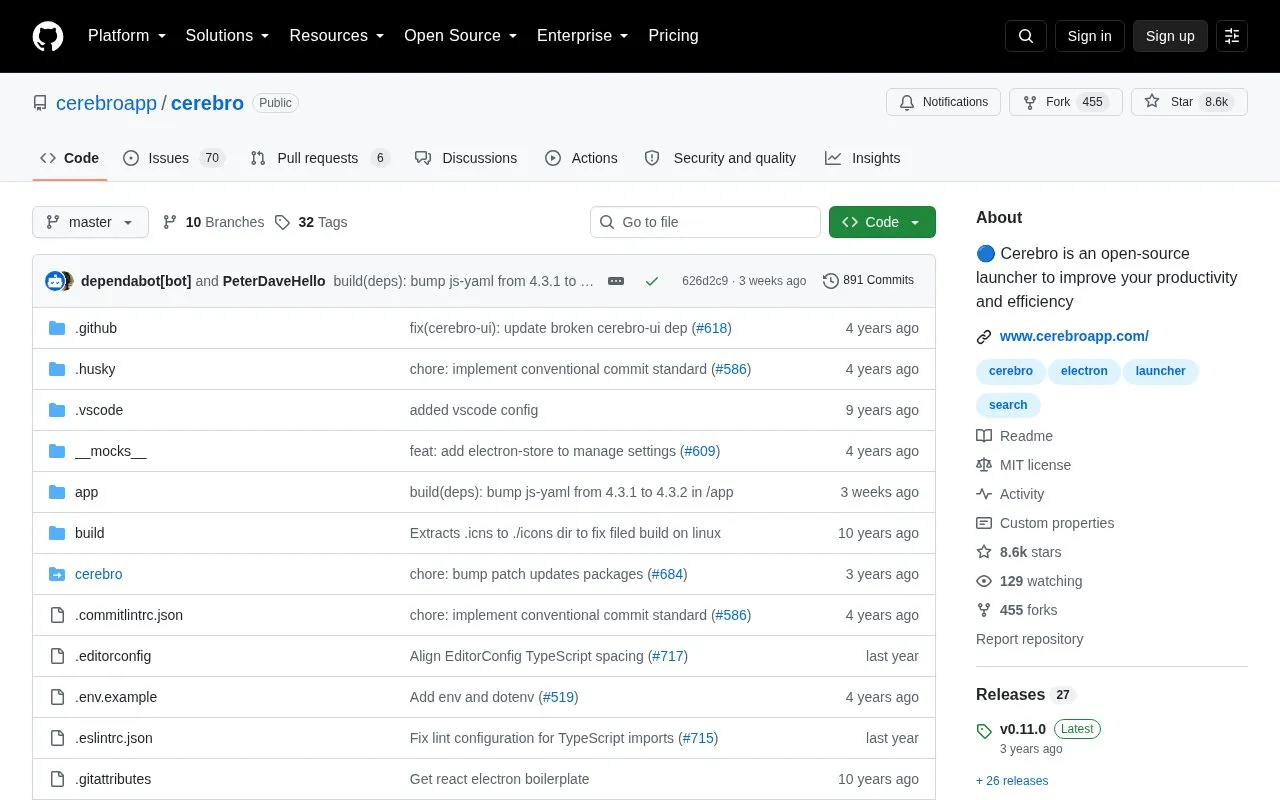
Cerebro is an open-source desktop launcher. It opens with a keyboard shortcut and provides web search, application search and launching, file-system navigation with file previews, calculation, and conversion, with additional functions available through installable plugins.
Installers are distributed through the releases page, but an installer may not exist for every system and a version can be built from source. Linux installation can require manual permission and install steps, and direct editing of the configuration file can break the app.
Tools and sites you could use instead, ranked by how closely they match.
This repository curates PowerToys Run community plugins and resources for the Windows quick launcher.
Wox provides an open-source launcher for Windows, macOS, and Linux, according to its project page.
EverythingPowerToys adds Everything-powered file and folder search to the PowerToys Run launcher.
Microsoft PowerToys is a collection of Windows utilities for productivity and customization, according to its repository description.
Seelen UI provides a customizable desktop environment for Windows 10 and 11, according to its repository description.
QuickLook brings the macOS Quick Look feature to Windows, according to its repository description.
Well-known listings from the same topic.
Tell us and an editor will check it.
Claim the listing and suggest updates yourself. An editor checks every claim first.


