

The Deskhop project describes a device for switching quickly between desktop computers.
Open source
24 alternativesSoundSwitch switches the default audio playback device through a C# application.
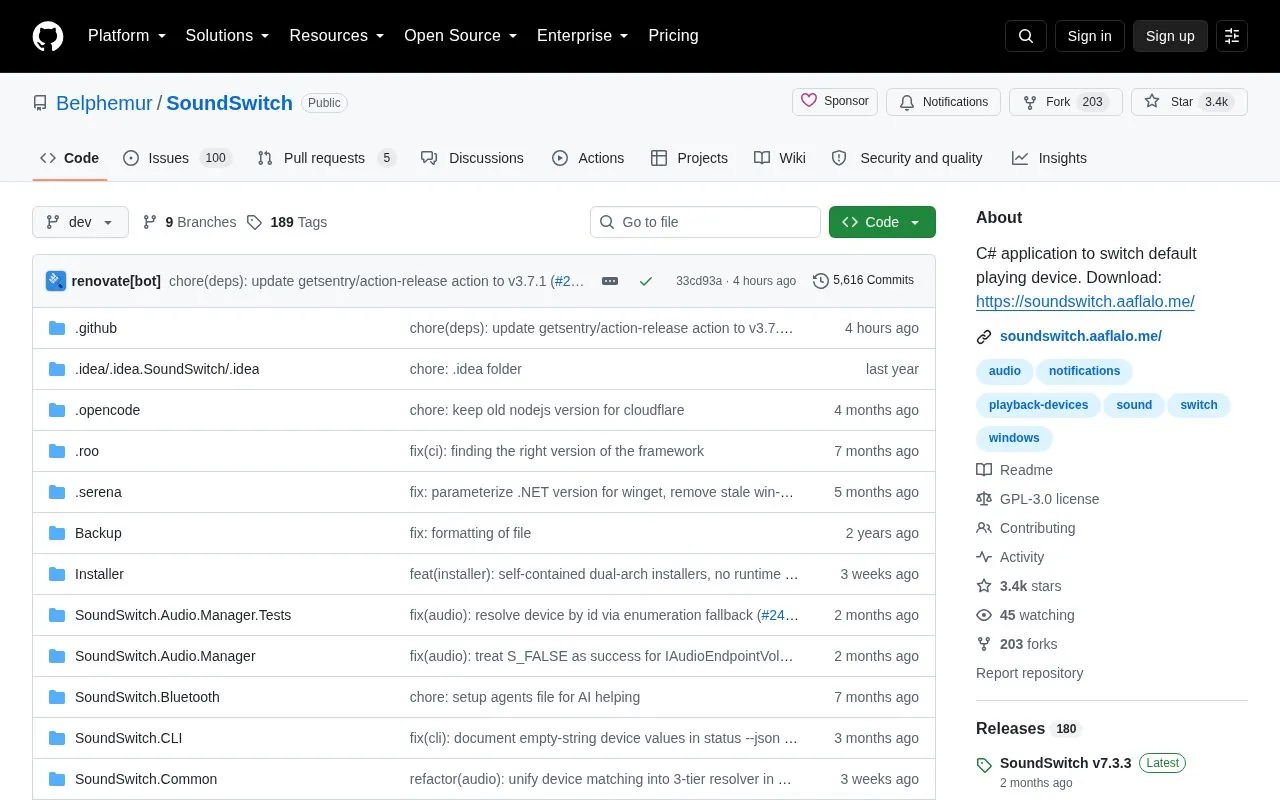
SoundSwitch is an open-source C# application for switching default audio devices on Windows. Its source code is hosted on GitHub, with a separate download site linked from the repository. It requires Windows 10 or newer on x64 or ARM64.
You configure playback and recording devices from the system tray icon under Settings, with options to change hotkeys and start with Windows. You can then cycle playback devices with Ctrl + Alt + F11 or by double-clicking the tray icon, cycle recording devices with Ctrl + Alt + F7, and mute the default microphone with Ctrl + Alt + M. It also offers configurable double-click actions, audio profiles, banner and Windows notifications, and a command-line interface for device and profile control.
It suits Windows users who regularly change between headphones, speakers, or microphones and want keyboard or tray-icon control instead of opening system menus.
Tools and sites you could use instead, ranked by how closely they match.
The Deskhop project describes a device for switching quickly between desktop computers.
Scalizer automatically configures Windows interface scaling on displays it does not support by default.
Deskreen turns a device with a web browser into a secondary screen for a computer.
Display Driver Uninstaller removes graphics and audio driver packages and attempts to clear associated files and registry entries.
LowAudioLatency reduces the Windows audio buffer to a minimum setting, according to its project page.
Virtual Display Driver adds virtual monitors to Windows 10 and 11 for use with VR, OBS, Sunshine, or desktop sharing.
Well-known listings from the same topic.
Tell us and an editor will check it.
Claim the listing and suggest updates yourself. An editor checks every claim first.


