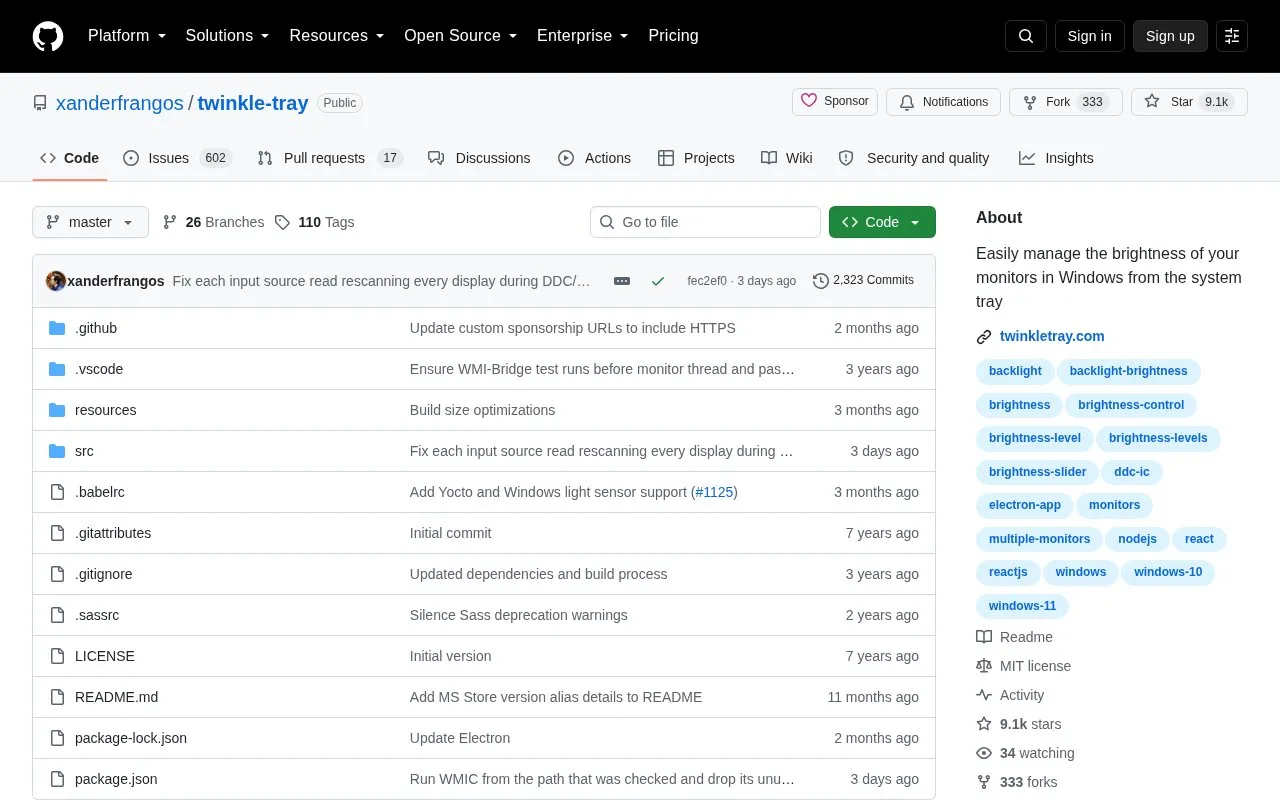
Twinkle Tray is an open-source app for Windows 10 and 11 that controls brightness on external displays from the system tray. Windows does not natively support external monitor brightness or offer a way to manage several displays at once. The app adds a tray icon that opens brightness sliders for all compatible monitors.
It communicates with monitors using DDC/CI and WMI. Most monitors support DDC/CI, but it may be disabled by default and must be enabled in the monitor's settings. Compatibility is not guaranteed for VGA or DVI connections, or for some USB, Thunderbolt, or Surface docks with HDMI or DisplayPort. Some monitor models may behave poorly with DDC/CI features, and the AMD Radeon Control Panel can interfere unless "Custom Colors" is disabled.
Key features
Brightness sliders in the system tray for compatible external monitors
Automatic brightness changes based on time of day or idle time
Hotkeys to adjust the brightness of specific or all displays
Normalizes backlight across different monitors
Controls DDC/CI settings such as contrast
Command line arguments to request brightness changes in v1.13.0 and later
Best for: Windows users with external monitors who want quick brightness control from the taskbar without using the monitor's buttons.
Good for
Open source, with the code available in a public GitHub repository
Matches the look of the Windows taskbar using Personalization settings
Available through the Windows Package Manager (winget) and other package managers
Watch out for
DDC/CI is often disabled by default and must be enabled on each monitor
VGA, DVI, and some dock connections may not be compatible
The AMD Radeon Control Panel can interfere unless "Custom Colors" is disabled
Most monitors support DDC/CI, but it may be off by default. Enable the appropriate option in your monitor's settings. The developer's troubleshooting page covers other detection problems.
Can I use Twinkle Tray with VGA or DVI connections?
The source states that VGA and DVI may not be compatible.
Can brightness be changed from the command line?
Yes, in version 1.13.0 and later. Twinkle Tray must already be running, and one monitor argument and one brightness argument are required.
Is something wrong or out of date?
Tell us and an editor will check it.
Own this website?
Claim the listing and suggest updates yourself. An editor checks every claim first.