

UniGetUI provides a graphical interface for managing package managers, according to its repository description.
Open source
24 alternativesChoEazyCopy provides a graphical interface for RoboCopy, according to its repository description.
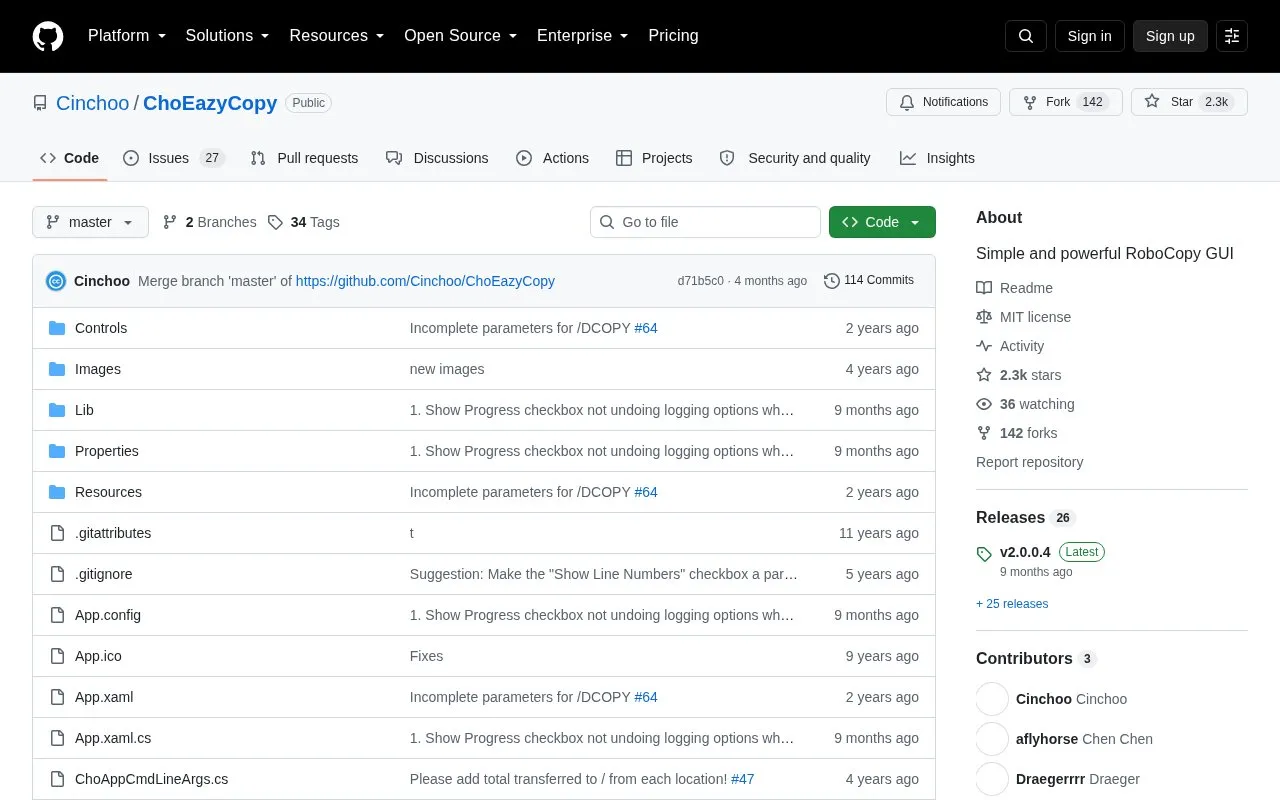
ChoEazyCopy is an open-source graphical front end for Microsoft RoboCopy, the Windows command-line tool used for advanced file replication tasks such as creating mirror duplicates of folder structures and preserving file information like timestamps and security access control lists. Instead of building RoboCopy commands by hand, users configure options in a property grid and see the corresponding command text as they change settings.
It runs as a Windows desktop application and requires .NET Framework 4, 4.5.2 or 4.8. RoboCopy.exe itself is part of the operating system and must be present in the system path, though the tool also lets you specify its location. Binaries are distributed as a zip archive from the project's GitHub releases page and are run after unzipping.
Tools and sites you could use instead, ranked by how closely they match.
UniGetUI provides a graphical interface for managing package managers, according to its repository description.
ChocolateyGUI provides a graphical interface for Chocolatey package management.
WinGet is the Windows Package Manager command-line interface, with PowerShell modules and related tools in the project.
Microsoft PowerToys is a collection of Windows utilities for productivity and customization, according to its repository description.
QuickLook brings the macOS Quick Look feature to Windows, according to its repository description.
App Group organizes, customizes, and launches apps, according to its repository description.
Well-known listings from the same topic.
Tell us and an editor will check it.
Claim the listing and suggest updates yourself. An editor checks every claim first.


