

MarkText
Open-source Markdown editor for Windows, Mac and Linux with a live preview, focus mode, typewriter mode and CommonMark support. Free.
About MarkText
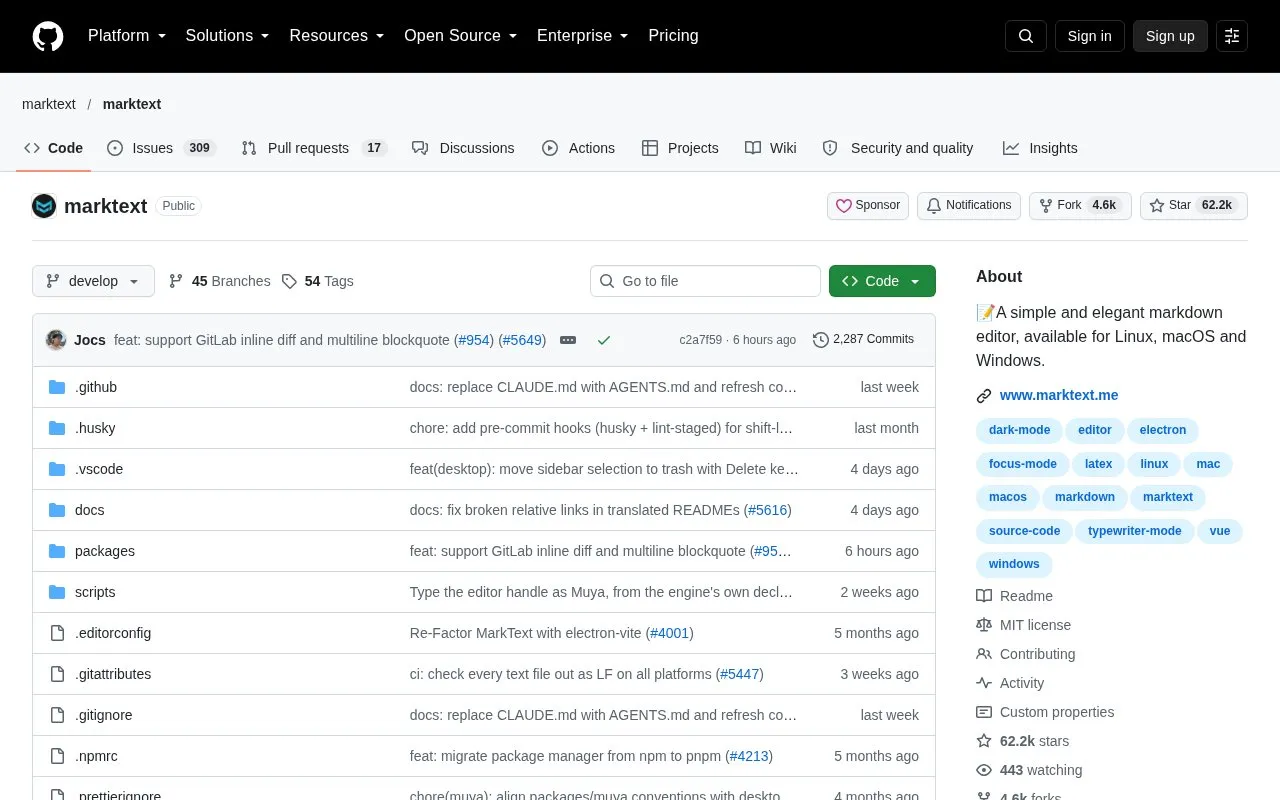
MarkText is a free, open-source Markdown editor for Linux, macOS and Windows. It provides a real-time preview with a clean, distraction-free interface and supports the CommonMark and GitHub Flavored Markdown specifications, along with selective support for Pandoc Markdown. It is released under the MIT license.
The editor offers Source Code, Typewriter and Focus editing modes, along with Markdown extensions for math expressions (KaTeX), front matter and emoji. Documents can be exported as HTML or PDF. Installation requires macOS 11 (Big Sur) or later, or Windows 10 or 11. macOS builds are published separately for arm64 and x64, and universal builds are not published. The project's contribution guide describes MarkText as in development.
Key features
- Real-time preview with a WYSIWYG-style editing view
- Source Code, Typewriter and Focus editing modes
- CommonMark and GitHub Flavored Markdown specification support
- Selective support for Pandoc Markdown syntax
- Math expressions via KaTeX, front matter and emojis
- Export to HTML and PDF files
Best for: Writers and developers who need a free, open-source Markdown editor on Windows, macOS or Linux.
Good for
- Free to use and released under the MIT license
- Available for Linux, macOS and Windows
- Can be installed through Homebrew, Chocolatey or Winget
Watch out for
- Requires macOS 11 or later, or Windows 10 or 11
- Pandoc Markdown support is selective rather than complete
- The project describes itself as still in development
MarkText at a glance
- Website
- github.com/marktext/marktext
- Category
- Software & Utilities › Text Editors
- Type
- Online tool
- Pricing
- Free
- Platforms
- Linux, mac, Windows
- Open source
- Yes · Source code
- Last checked
- Oct 7, 2026 · Online when checked
- Listed
- Oct 7, 2026
Guides for Text Editors

MarkText alternatives
Tools and sites you could use instead, ranked by how closely they match.

Open-source GNOME Markdown editor for Linux with a clean writing view, focus mode, spellcheck, document statistics and export options.
FreeOpen source
15 alternatives
Browser-based Markdown editor with live preview, offline storage and sync or export to Google Drive, Dropbox and GitHub. Free and open source.
FreeOpen source
16 alternatives
Write Markdown with a live rendered preview and export documents to PDF, Word, or HTML using this browser editor.

Edit Markdown on Windows with Markdown Monster, which includes live preview, syntax highlighting, weblog publishing, and Git integration.
Free trial
16 alternatives
This Markdown editor provides live preview, diagrams, LaTeX, syntax highlighting, PDF export, and multi-tab support.
Open source
24 alternatives
Dillinger offers online Markdown editing with live preview, HTML or PDF export, and sync options for GitHub, Dropbox, and Google Drive.
MarkText comparisons

Featured in
 8 sites


Best of
8 Best Free Markdown Editors for Articles and Notes
The best free Markdown editors let you write a document and hand someone an ordinary file afterward. I'd start with…
Popular in Text Editors
Well-known listings from the same topic.
Google Docsgoogle.com/docs/aboutProton Docsproton.me/drive/docsVertex42vertex42.comdDocsdocs.fileverse.ioNotepad++notepad-plus-plus.orgLibreOfficelibreoffice.org


MarkText FAQ
Which operating systems does MarkText support?
MarkText is available for Linux, macOS and Windows. macOS requires version 11 (Big Sur) or later, and Windows requires Windows 10 or 11.
Can MarkText be installed with a package manager?
On macOS, it can be installed with Homebrew Cask using the command brew install --cask mark-text. On Windows, it can be installed with Chocolatey or Winget.
How do I report a problem with MarkText?
Problems and questions can be submitted as an issue on the project's GitHub repository, using the default format shown when opening an issue.
Is something wrong or out of date?
Tell us and an editor will check it.
Own this website?
Claim this listing
Claim the listing and suggest updates yourself. An editor checks every claim first.